
Everything, connected.
How Studio1 joins idea, image, video, sound and the cut into one workflow, in your browser.
Every stage. One place.
One shot from the pitch film, followed from the sentence to the cut.
 Stage 1IdeaIdea
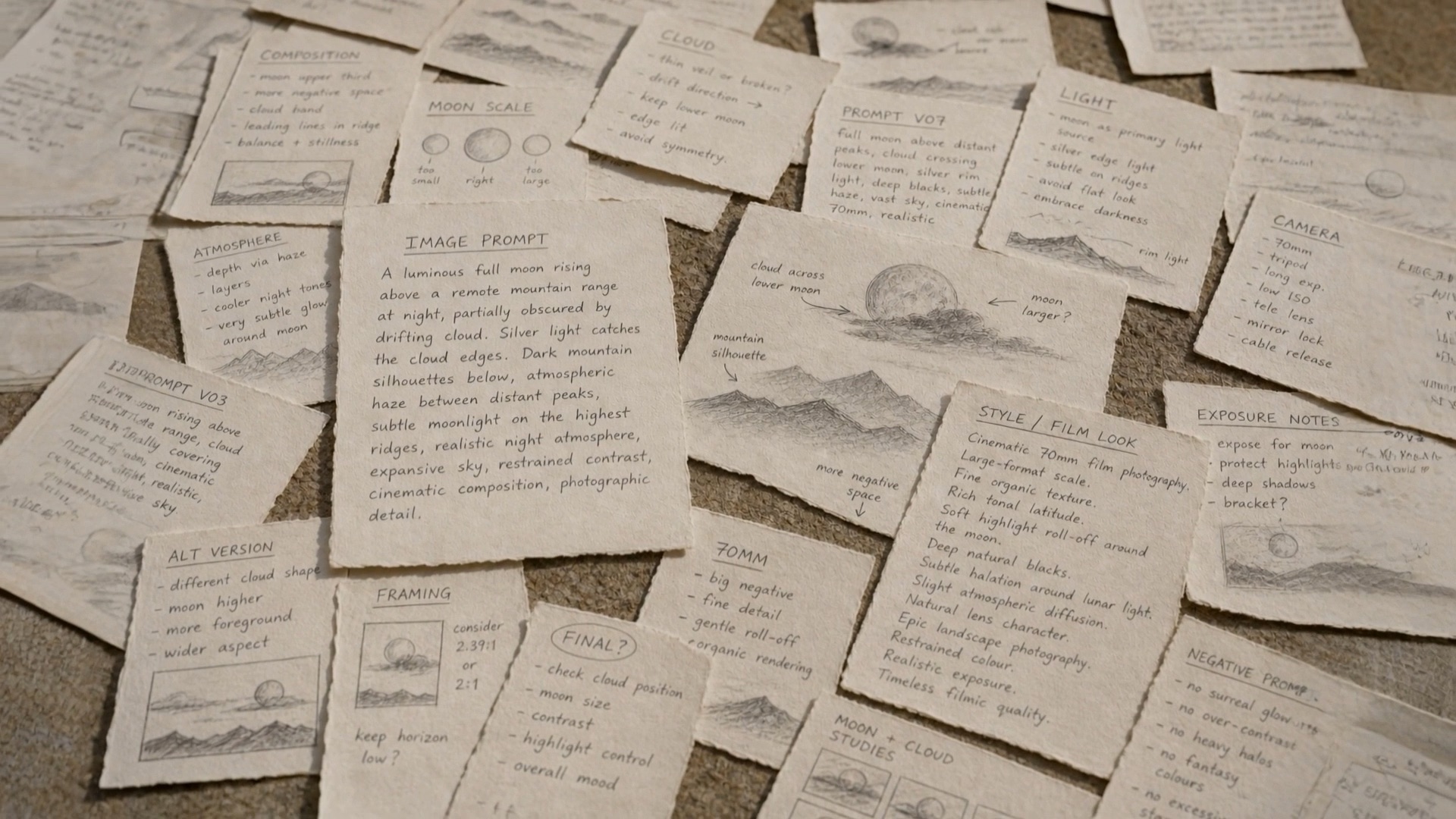
It starts with a sentence.
Or a sketch on a card. Write it, or bring what you have.
 Stage 2ImageImage
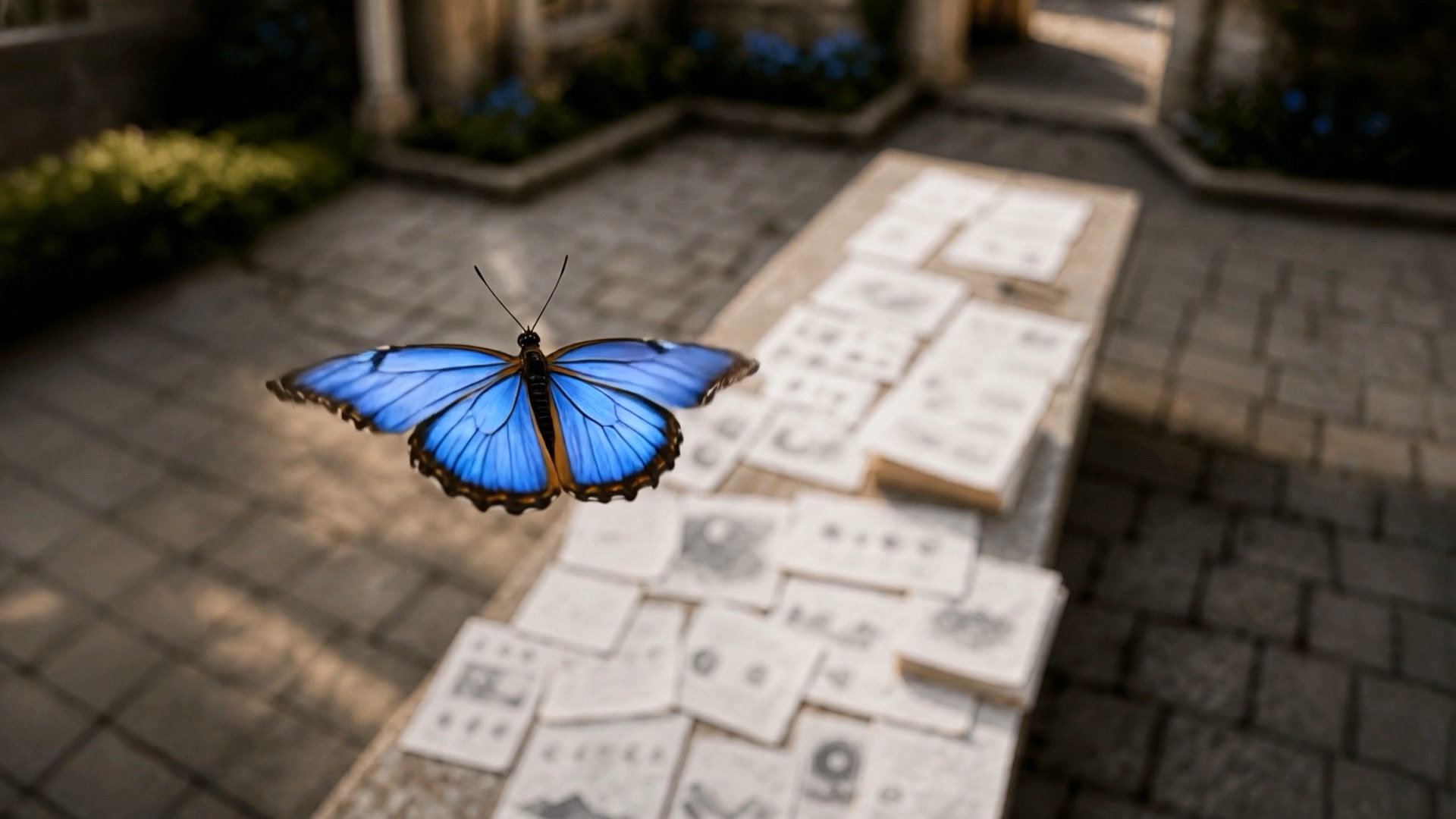
The idea gets a frame.
Generate it, transform it, keep the one that feels right.
- Stage 3MotionMotion
The frame starts to move.
Direct the shot from the still you chose.
- Stage 4CutCut
Sound, versions, the finished cut.
It all lands in the Timeline, in the same place it was made.
How a production is organised
- Productions
- The top level. Each one has its own scenes, workflows, cameos, library and Timeline.
- Scenes and shots
- A scene holds shots, prompt visuals and audio. Each shot carries a workflow and a status, from in progress to approved.
- Workflows
- The connected steps that make a shot: text to image, image transform, image to video, upscaling and more, joined on one canvas.
- The Timeline
- Where shots become a cut, with versions, video and audio tracks, and export.
Make your creative mistakes at the cheapest stage.
An updated form of the animatic. Start with still images, which cost little, and cut them into a sequence with voice, music and sound design. Feel what works before a single frame of video is generated. Then turn only the shots that have earned it into motion.
Start cheap, learn fast, then spend selectively.
- 01Script or idea
- 02Stills
- 03Edit
- 04Voice, music, sound
- 05Review
- 06Selected video
- 07Final cut
Built in, not bolted on
Open a card for the detail.
ProvenanceEvery asset carries how it was made.
What went into it, the human decisions along the way and how it developed. Designed to export in one step for educators, producers and legal teams.
Model choiceWork with the models that fit your rules.
Studio1 is not built around one model or one legal position. An institution can keep its people on models with clearer licensing terms or stronger copyright safeguards.
Cost you can seeKnow the likely cost before you commit.
Designed so the cost of an action is visible before you take it, and so a project can be budgeted in stages: development, genimatic, selected video, refinement, final output.
Responsible useFewer blind generations, more reuse.
Fewer failed attempts, the right model for the task, and reuse of what you have already made. The responsible workflow should be the easier one.
Together, in the browserShared projects. Nothing to install.
Tutors and students, or a whole team, in the same creative space. No installs and no high end machine required: the laptop you already own is enough.
Virtual productionPlates and backdrops from the same studio.
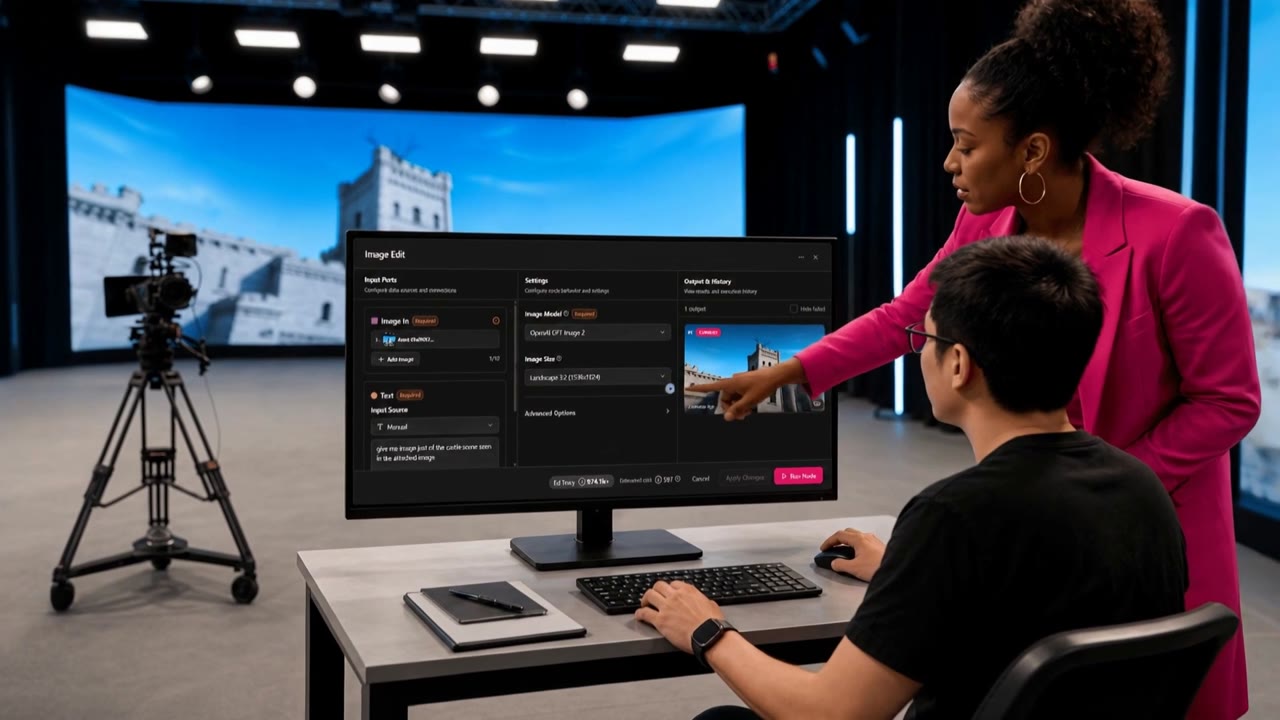
Media plates and LED wall backdrops made alongside the rest of the film, so the world on the wall matches the world in the cut, and the crew on set has more to work with.
What will you make?
A short film.
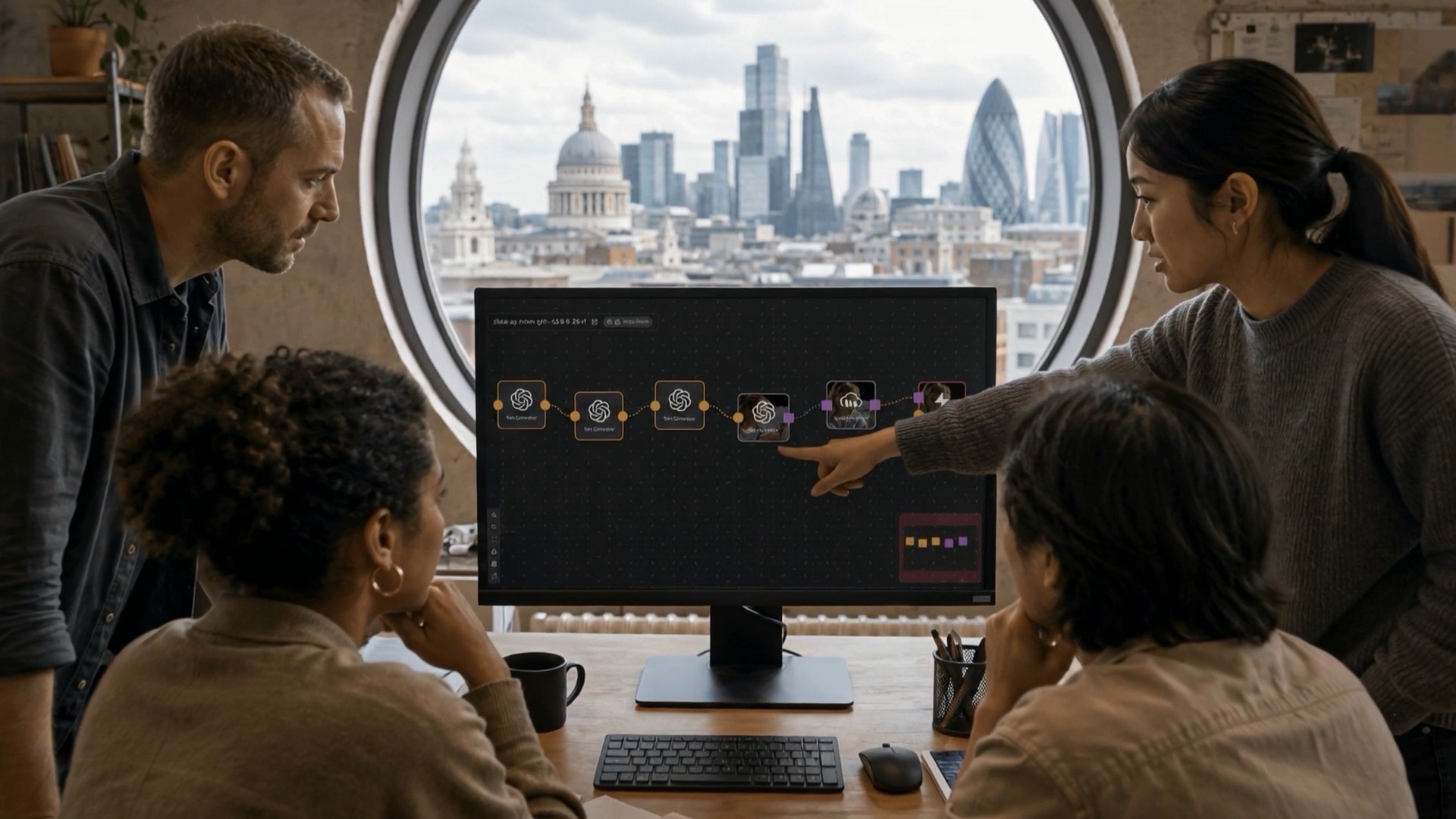

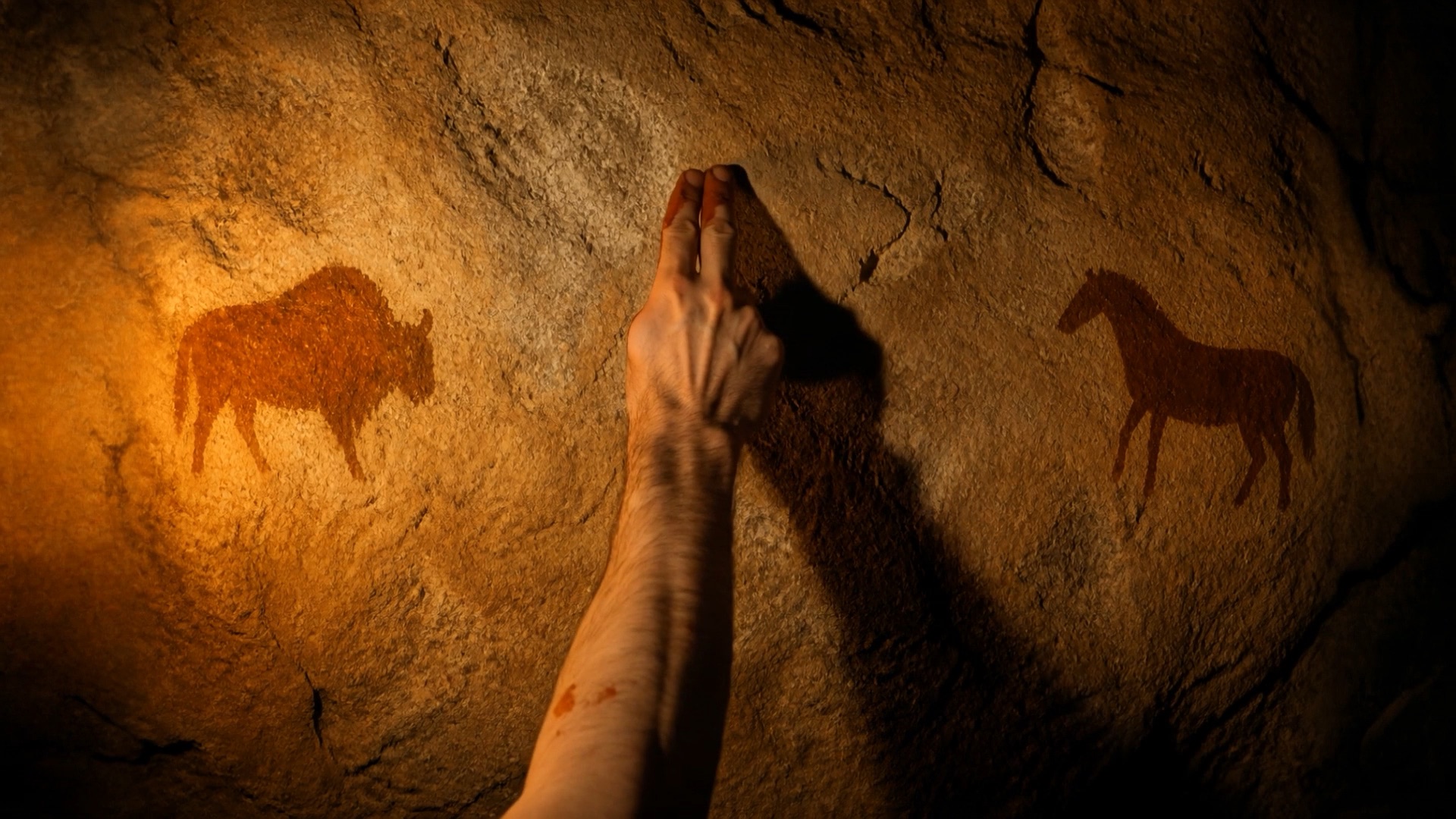
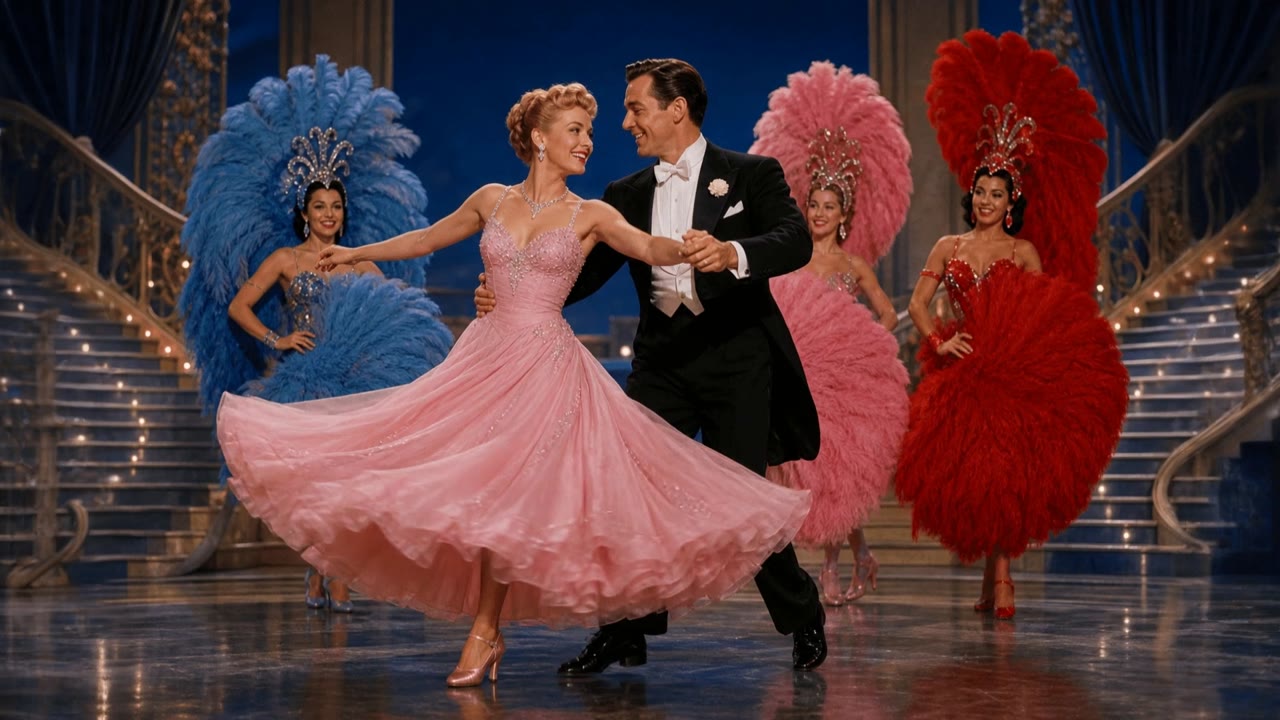
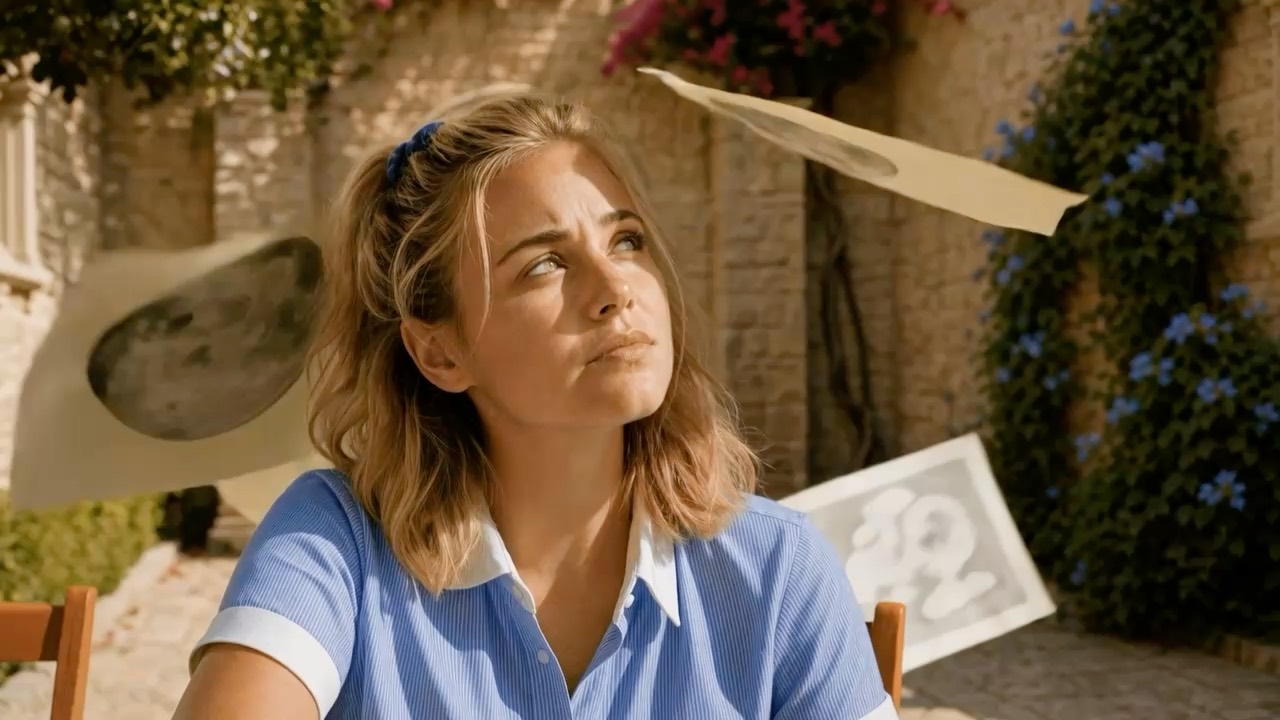
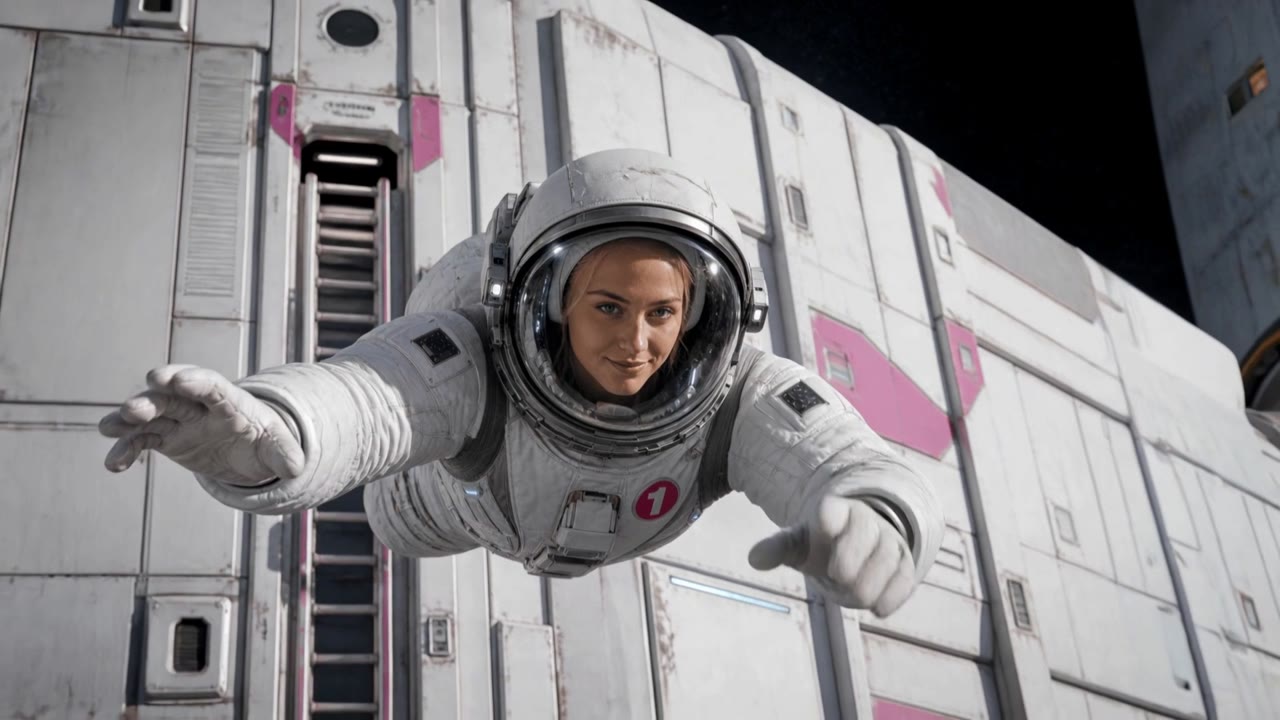
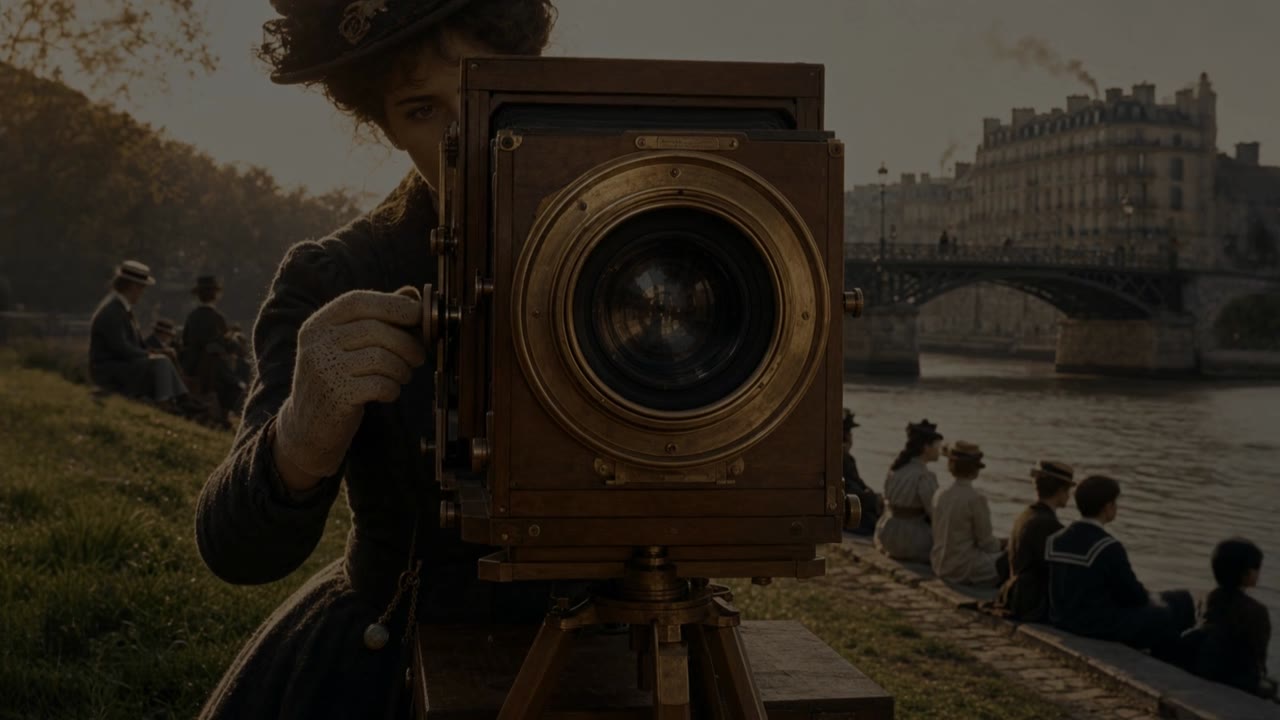
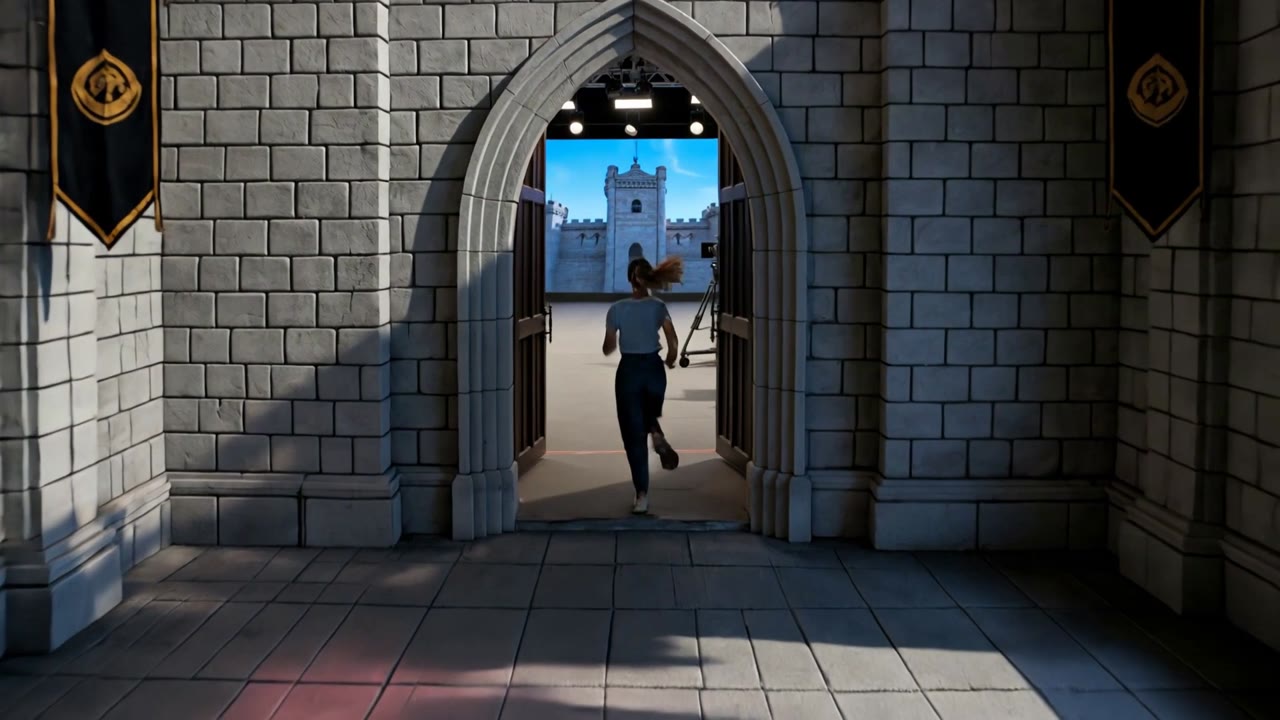
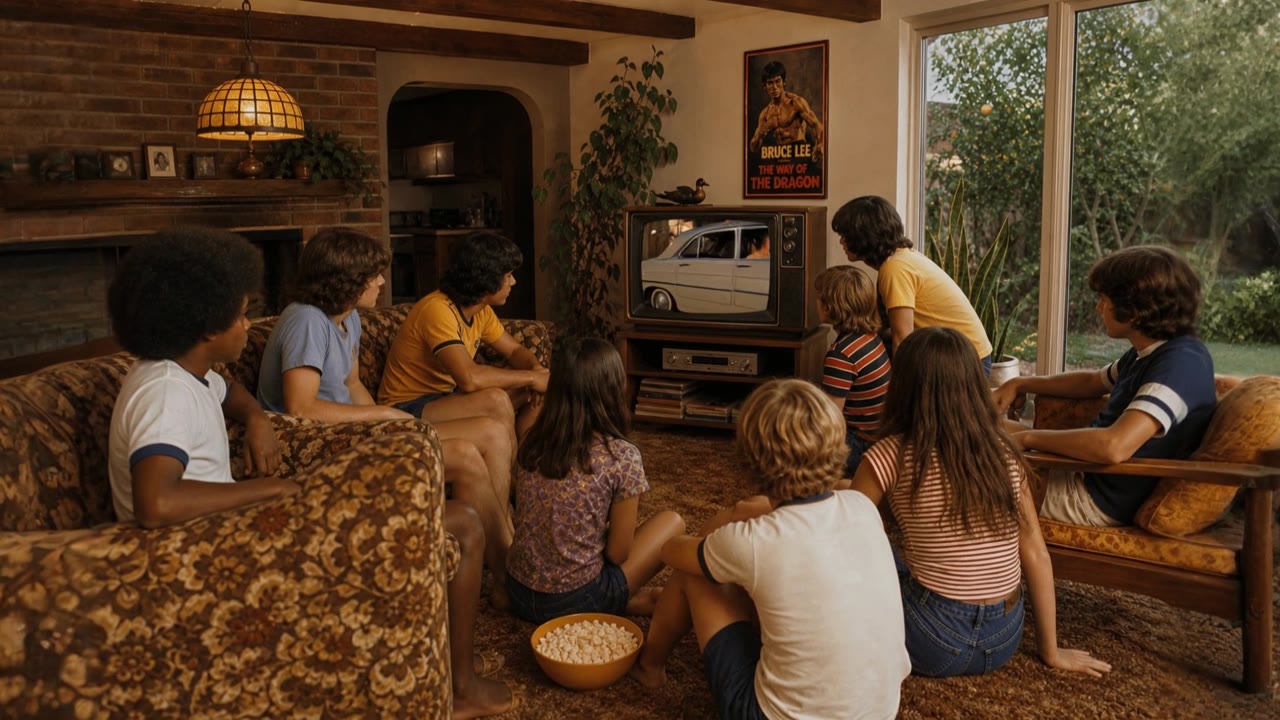
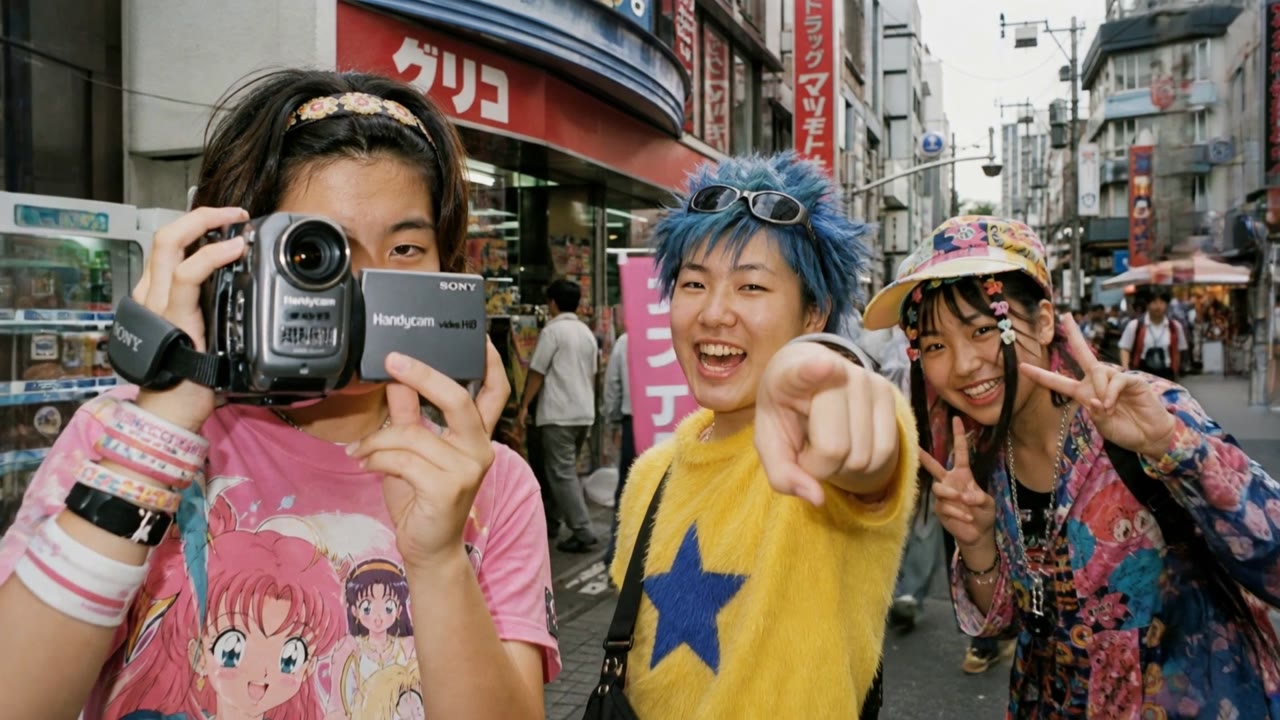
Every cut is a shot from the Studio1 pitch film. Creator work joins as early access opens.
Whatever it is, make it with Studio1
For universities and colleges
A structured place to teach AI enabled production: browser based, collaborative, with provenance and model choice, so departments can supervise, assess and budget properly.
Read the FAQs